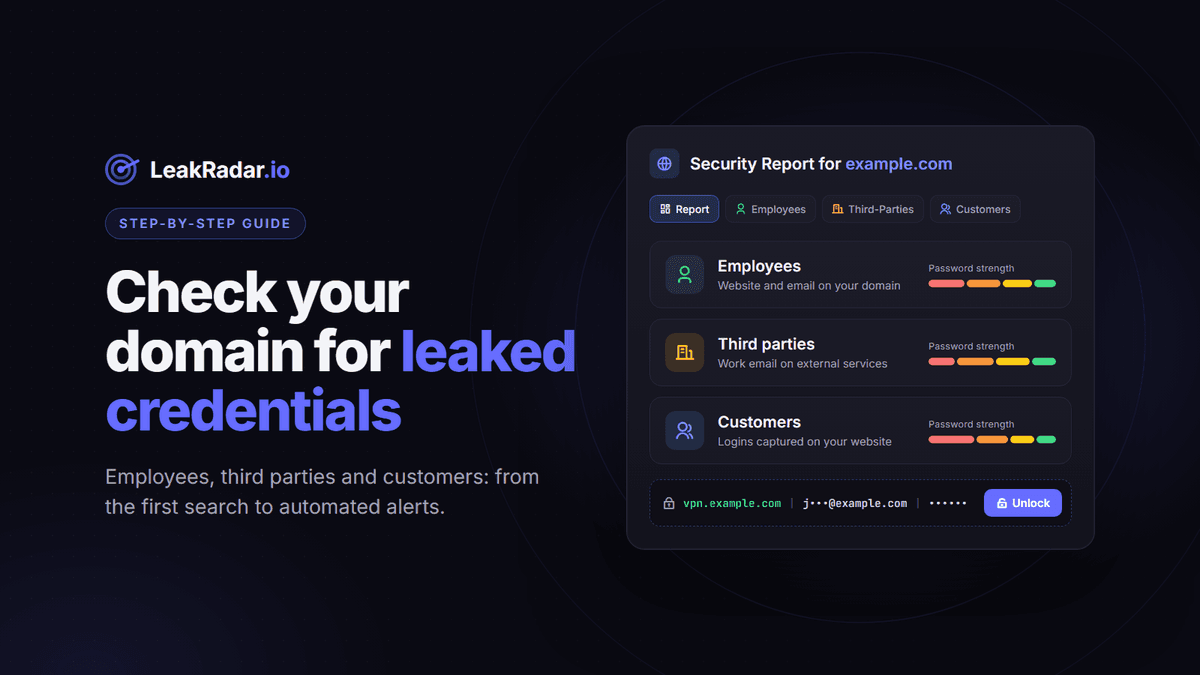
Checking one email address at a time tells you whether a person was exposed. It does not tell you whether your company is.
Infostealer malware on a contractor's laptop, a work email reused on a breached shopping site, a customer whose home PC captured their login to your portal: all of these end up in leak files, and none of them shows up if you only search your own inbox. A domain search answers the question at the right level: every leaked credential connected to yourcompany.com, sorted by who it belongs to and where it was used.
This guide walks through it step by step in LeakRadar, from a free first look to automated alerts, with the remediation steps that matter for each type of result.
Before you start: only search domains you own or are explicitly authorized to assess.
What a domain search actually looks for
A stealer log record has three parts: the URL of the page where the credential was typed, the username or email, and the password. LeakRadar compares your domain with two things: the domain of the website (subdomains included) and the domain of the email address. Crossing the two gives three categories, and each one calls for a different response.
| Category | Website | Typical example | Who acts | |
|---|---|---|---|---|
| Employees | Yours | Yours | jane@example.com on vpn.example.com | IT and security |
| Third parties | Not yours | Yours | jane@example.com on a SaaS tool, a supplier portal or a shop | IT, security and the employee |
| Customers | Yours | Not yours | john@gmail.com on shop.example.com/login | Product, security and customer support |
One detail surprises most teams: your Microsoft 365, Google Workspace or Okta sign-ins happen on the provider's domain, not yours. A work account captured on login.microsoftonline.com is attached to microsoftonline.com, so it lands in Third parties, not in Employees. Keep that in mind when you prioritize.
Step 1: Get a free first look
You do not need an account to get a first answer. Open leakradar.io/report/yourdomain.com (replace example.com in the address with your domain). If the domain appears in the data, the page shows an estimated number of records for each category. If nothing matches, or if the domain is on the restricted list, you get a "not found" page instead.
The public report uses sampled counts. It is enough to know whether there is something to investigate, not to size the problem precisely. For exact numbers, move to step 2.
Step 2: Run the full domain search
- Create a free account on members.leakradar.io and verify your email.
- In the Stealer Logs dataset, choose the Domain search method.
- Type your main domain, for example
example.com, and click Search. Subdomains are included automatically; you will find them in the Subdomains tab.
Searching is free for any registered account and shows exact counts. You land on the Report tab, which gives you:
- the number of compromised accounts in each category (Employees, Third parties, Customers);
- a password strength breakdown per category (very weak, weak, medium, strong);
- a Download PDF button, handy when the result has to reach management or a client.
A large share of weak passwords in the Employees group can be a sign that your password policy is not enforced everywhere: legacy applications, local accounts, or tools outside your single sign-on.
Step 3: Explore the six tabs
Beyond the Report, the domain search is split into five working views. Without a paid plan, URLs and subdomains are only shown in clear for the first ten rows of each page.
Employees, Third-Parties and Customers
Each tab lists the matching records: URL, type, email or username, password, and the date LeakRadar indexed the record. Usernames and passwords stay masked until you unlock them. The search box narrows a tab to records whose URL, username or password contains your keyword (vpn, admin, sso, a name), and the identifier filter separates email addresses from plain usernames.
URLs
The distinct URLs on your domain and its subdomains where credentials were captured, with how many times each one appears. This is your attack surface as an attacker sees it: VPN gateways, remote desktop portals, webmail, admin panels, staging apps. It is a quick way to spot a login page you did not know was exposed.
Subdomains
The hosts under your domain that appear in leaks, with their occurrence counts. It helps you spot forgotten assets: an old staging environment, a legacy customer portal, a test instance that still accepts real passwords. With a paid plan, both the URL and subdomain lists can be exported.
Step 4: Decide what to unlock first
Credentials are masked by default. Revealing one costs 1 point and requires an active paid plan. Points refresh about every 24 hours, extra packs are available, and on the Unlimited plan Stealer Log credentials are accessible and exportable directly, without spending points. You can tick individual rows or use Mass Unlock for a batch; if your balance runs short, only the records it covers are unlocked.
Since points are a budget, spend them where the risk is highest:
- Remote access and admin URLs in Employees. Search for
vpn,citrix,rdp,admin,mail. A valid VPN password is a direct way in. - Identity providers in Third parties. Search for
microsoftonline,okta,google. These accounts usually open everything else. - Recently indexed records. They are a reasonable place to start, keeping in mind that the date is when LeakRadar indexed the record, and an old log can be re-shared and indexed late.
- Business SaaS in Third parties. CRM, code hosting, cloud consoles, ticketing: anywhere company data lives outside your perimeter.
- Customers. Here the count matters more than each line. Unlock to cross-check against your user base and trigger resets, not to read every record.
Step 5: Triage in Unlocked Data
Everything you reveal is kept in Unlocked Data, where you can turn a list of leaks into a remediation queue:
- set a status on each record, individually or in bulk: New, In Progress, Fixed or Accepted Risk;
- group records in custom lists (per team, per site, per subsidiary);
- add a private note to any record ("password reset, laptop reimaged").
To hand the data to your identity or ticketing tools, export it as CSV, TXT or JSON. Exports run in the background, cost no extra points, and the files stay available for about three days under My Exports. On team plans (Enterprise and above), points, unlocks and alerts are shared: a record unlocked by one teammate is visible to the others.
Step 6: Remediate by category
First, a reassurance: a domain result usually does not mean your servers were breached. Most records come from end-user devices infected by infostealer malware, or from unrelated breaches where someone reused a work email. The response is about accounts and devices, not about rebuilding your infrastructure.
Employees
- Reset the password and revoke active sessions and tokens. Infostealers commonly collect browser cookies along with passwords, so a reset alone can leave a valid session behind.
- Enforce MFA on the affected service, ideally a phishing-resistant method.
- Treat the device as compromised. The leaked password is the symptom, the malware is the cause. Several records for the same person often come from the same infected machine, sometimes a personal computer also used for work. Clean or reimage it before the new password is typed on it.
Third parties
- Reset the password on the external service and check what company data it holds.
- Move the tool behind your single sign-on when it supports it.
- If the same password shows up on a third-party site and on an internal URL, you have a reuse problem: rotate both and remind the team why reuse is the real risk.
Customers
- These credentials were captured on your customers' devices, not on your servers. But they were typed on your site, so they can be used as-is to take over accounts on your platform.
- Force a password reset at next login for matching accounts, offer or require MFA, and watch for unusual login patterns.
- Keep your customer communication factual: their device leaked the credential, and you are acting to protect their account.
Step 7: Turn the one-off check into monitoring
Monitoring is forward-looking: it alerts on leaks ingested after you add the asset, not on what is already in the index. That is why steps 2 to 6 come first. Domain monitoring is included in every paid plan. Once the backlog is handled, set up continuous detection:
- Add an alert channel: Email, Slack, Discord, Telegram or Webhook.
- Add your domain as a monitored asset in the Stealer Logs dataset and choose what triggers an alert: Employees, Customers, Third parties, or all of them.
- Optionally enable auto-unlock with a daily point limit per asset. New matching credentials are then revealed automatically and delivered in the alert itself: a
leaks.csvattachment by email, the message on Slack, Discord and Telegram, the JSON payload for webhooks. If points run out, the alert still arrives, with masked records.
Each monitored asset is re-checked about every six hours, and every alert is kept in the Monitoring Runs table with the leaks behind it. If your plan includes Combolists, add the same domain in that dataset too: it matches email addresses on your domain in email:password lists, which have no URL and therefore no categories.
Step 8: Automate it with the API (optional)
The same features are available through the REST API at api.leakradar.io with a bearer token, which you will find under Settings, API Key. The official Python SDK wraps it:
pip install leakradarA minimal script that pulls the domain report, then lists employee records whose URL, username or password contains vpn:
import asyncio
from leakradar import LeakRadarClient

DOMAIN = "example.com"

async def main():
    async with LeakRadarClient(token="YOUR_API_KEY") as client:
        report = await client.get_domain_report(DOMAIN)
        print("Employees:    ", report["employees_compromised"])
        print("Third parties:", report["third_parties_compromised"])
        print("Customers:    ", report["customers_compromised"])

        page = await client.get_domain_employees(DOMAIN, page=1, page_size=100, search="vpn")
        for leak in page["items"]:
            user = leak.get("username") or leak.get("username_masked")
            print(leak.get("added_at"), leak.get("url"), user)

asyncio.run(main())
From there you can push new findings into a SIEM or a ticketing tool, or loop over a list of subsidiaries. For a one-off list of domains, the Mass Domain Check tool in the dashboard returns the per-category counts without code (active subscription required). The API returns HTTP 429 with a Retry-After header when you exceed a rate limit: honor it. The full reference lives at docs.leakradar.io.
Checklist
- Check the public report for your domain.
- Run the full domain search and download the PDF report.
- Review the URLs and Subdomains tabs for forgotten assets.
- Unlock remote access, identity provider and recently indexed records first.
- Track remediation with statuses in Unlocked Data.
- Reset, revoke sessions, enforce MFA and clean infected devices.
- Monitor the domain with alerts in your team's channel.
Frequently asked questions
Is a domain search free?
Searching is free for any registered account and shows how many records match. Revealing credentials costs points and requires an active paid plan. All paid plans include domain search and domain monitoring.
Does a result mean our company was hacked?
Usually not. Most records come from infected end-user devices or from unrelated breaches where a work email was reused. Reset the affected accounts, enable MFA and check the devices involved.
Why do our Microsoft 365 or Okta logins appear under Third parties?
Because the sign-in page belongs to the provider's domain, not yours. Employees only covers records where both the website and the email belong to your domain.
What does the date on each record mean?
It is the date LeakRadar indexed the record, not the date the device was infected.
Will monitoring alert me about leaks that are already there?
No. Monitoring only reports leaks ingested after you add the asset. Run a domain search first to handle the existing backlog.
Ready to see what is out there? Check your domain's public report, or create a free account to run the full domain search.