Dark web monitoring means continuously watching the places where stolen data is shared, and getting an alert when one of your assets shows up: an employee's email, your company domain, a brand name. Done well, it turns a leak you would have discovered months later into a ticket you can close the same day.
The term is also used loosely in security marketing. This guide explains what a dark web monitoring service actually watches, what no service can see, and how to set up useful monitoring for a business in about fifteen minutes.
What "the dark web" means for leaked credentials
For credential leaks, the dark web is less a single hidden network than a set of places where stolen data circulates in the open, for anyone who knows where to look:
- Telegram channels that share infostealer logs and credential lists;
- combolists: large email:password or username:password lists assembled from older leaks and stealer logs;
- paste sites, where dumps are posted as plain text;
- hacking and leak forums, where threat actors discuss targets and list data for sale.
These are the sources LeakRadar's collectors watch. We only index data that has already been published in the open: we do not hack systems, buy stolen databases or take part in data trading.
What good monitoring covers
Not all leaked data has the same value for a defender. A useful service should cover several types of data, because each one answers a different question.
| Data type | What it contains | What it tells you |
|---|---|---|
| Stealer logs | URL, username and password captured by infostealer malware | Which account is exposed, and on which service |
| Combolists | Email:password or username:password pairs | Which credentials circulate in the lists used for credential stuffing |
| Raw leak files | The original files, beyond parsed credentials | Context beyond credentials, such as the original logs and documents |
| Forum posts | Threat-actor discussions and sale listings | Whether your company is being named or targeted |
Stealer logs deserve special attention, because they pair a plain-text password with the exact login page it was typed on. If you are not familiar with them, start with our explainer, What are stealer logs?
What dark web monitoring cannot do
Being clear about the limits is the best way to use monitoring well:
- See private channels and closed markets. Data traded in invite-only groups or private deals only becomes visible to monitoring based on public sources, like ours, once it is shared more widely.
- Prevent the theft. Monitoring detects exposure once data circulates, not before.
- Look backwards. Alerts cover leaks ingested after you add an asset. What is already in the index has to be found with a search.
- Alert instantly. Each monitored asset is re-checked on a cycle (about every six hours on LeakRadar), so alerts follow ingestion closely but not instantly.
- Explain the root cause. An alert tells you a credential is exposed. Finding the infected device or the breached service is your investigation.
How to set up dark web monitoring in 15 minutes
1. Start with a baseline search
Because monitoring only looks forward, first measure what is already exposed. Run a domain search on your company domain and note the counts for employees, third parties and customers. Our step-by-step domain search guide walks through reading and triaging the results.
2. Choose what to monitor
Each plan has a limit on monitored assets, and each asset uses one slot. A practical starting set for a company:
- your main domain, plus domains of subsidiaries and acquired brands;
- the email addresses of people with privileged access: executives, IT administrators, finance;
- on plans that include them, raw file searches for internal hostnames or project names, and dark web searches for your brand.
3. Add an alert channel
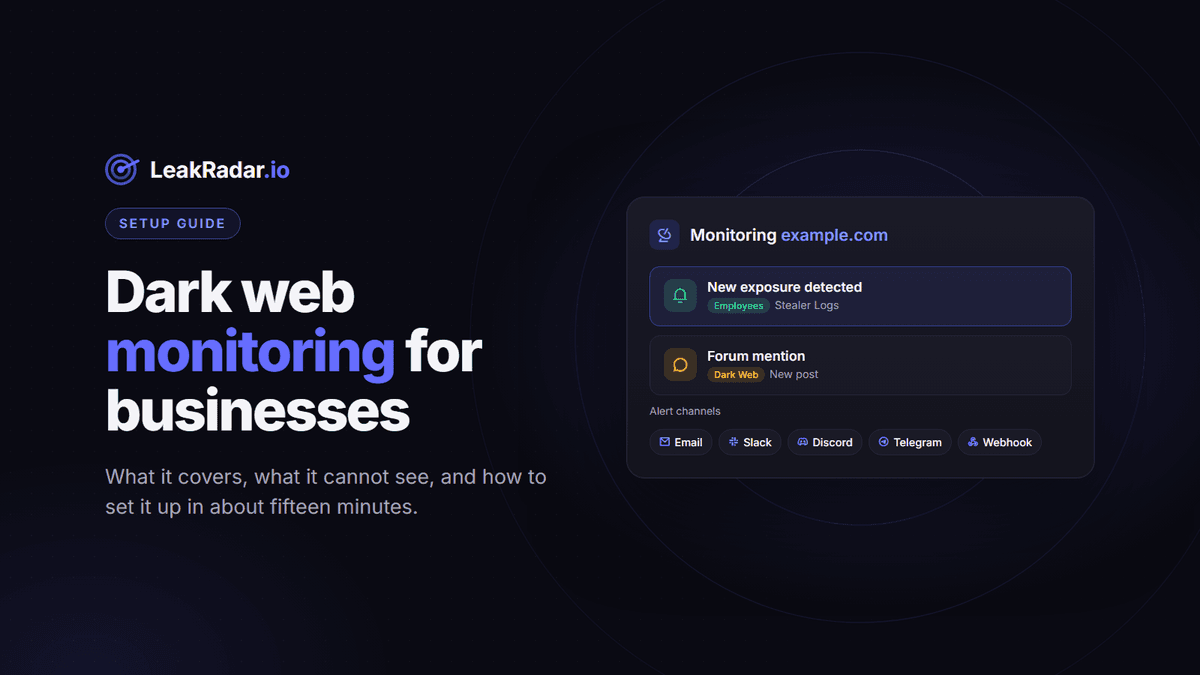
Alerts can go to Email, Slack, Discord, Telegram or a Webhook. Send them where someone will act: the security team's channel, or a webhook that opens a ticket automatically. A free account can monitor its own signup email with email alerts; the other channels and asset types come with paid plans.
4. Pick the categories for each domain
For a domain in the Stealer Logs dataset, choose what triggers an alert: Employees (website and email both on your domain), Third parties (work email used on external services), Customers (logins captured on your website), or all of them. A sensible default: Employees and Third parties for the security team, Customers for the product or fraud team.
5. Decide on auto-unlock
Results are masked by default. With auto-unlock (paid plans), new matching credentials are revealed automatically and delivered in the alert: a leaks.csv attachment by email, the message itself on Slack, Discord and Telegram, the JSON payload for a webhook. You set a daily point limit per asset, and if points run out the alert still arrives, with masked records. Dark web forum alerts have no auto-unlock.
6. Review alerts in one place
Every alert is kept in the Monitoring Runs table with the leaks behind it, so you can audit what was sent and when. Teams can also manage monitored assets through the API (/notifications endpoints, documented at docs.leakradar.io).
How to choose a dark web monitoring tool
Whichever service you evaluate, these questions separate useful monitoring from a reassuring dashboard:
- Which sources does it watch? Stealer logs, combolists, raw files and forums are different datasets. Ask which ones trigger alerts.
- Do results include the URL? A password without the service it belongs to is hard to act on.
- Can it separate employees from customers? They are handled by different teams.
- Where do alerts go? Chat tools and webhooks matter more than a weekly email digest.
- Is pricing public? Self-serve plans let you test on your own domain before talking to sales.
- How is the data collected? Prefer providers that only index data already exposed in public channels, and that explain it.
- Where is the service hosted? For European companies, EU hosting simplifies data protection reviews. LeakRadar is EU-hosted.
Monitoring limits by plan
All paid plans include email and domain monitoring. Dark web forum search starts with Enterprise, and raw file search with Platinum. Current limits on monitored assets:
| Plan | Monitored assets |
|---|---|
| Starter | 20 |
| Enterprise | 100 |
| Platinum | 1,000 |
| Unlimited | 10,000 |
Prices and the full feature list are on the pricing section.
Frequently asked questions
Is dark web monitoring worth it for a small company?
Infostealer infections are usually opportunistic, so a small company's employees are exposed like anyone else's. Monitoring a single domain watches for a frequent entry point, a valid password for a business service, at a low cost.
Will I be alerted about leaks that happened before I subscribed?
No. Monitoring reports leaks ingested after you add an asset. Run a search first to find existing exposure.
How fast are alerts?
Each monitored asset is re-checked about every six hours, so an alert follows shortly after a new leak is ingested.
Can I monitor a domain I do not own?
Only monitor assets you own or are explicitly authorized to assess. Some sensitive targets, such as banks, crypto services and government bodies, are restricted by default.
Start with what is already out there. Create a free account to search your domain, then add it to monitoring when you are ready.