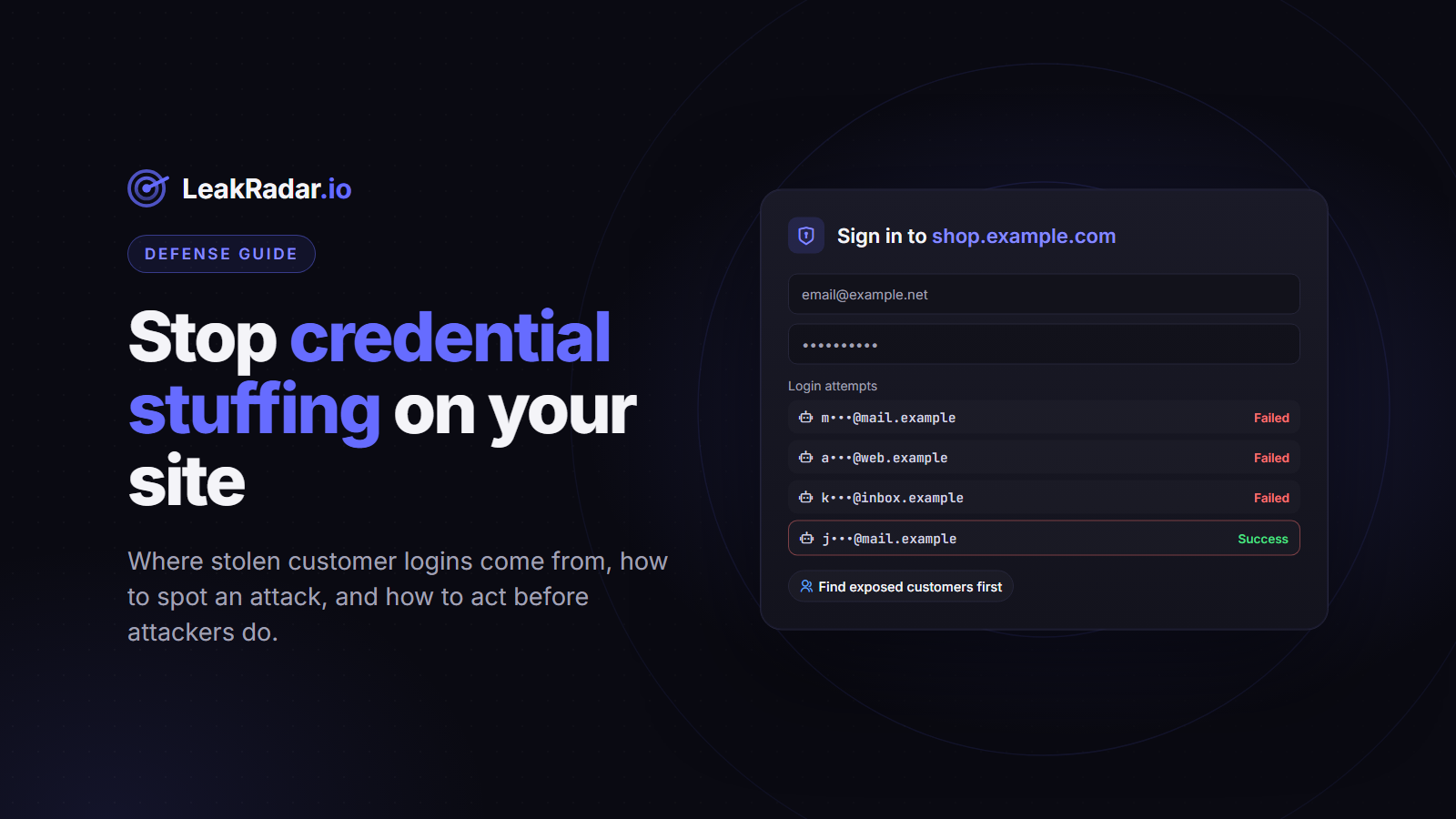
Credential stuffing is an automated attack in which stolen username and password pairs are tried against a login page, at scale, until some of them work. It needs no vulnerability in your application: only customers whose credentials are already in an attacker's list. OWASP catalogues it as automated threat OAT-008: "mass log in attempts used to verify the validity of stolen username/password pairs".
If you run an online shop, a SaaS product or any service with customer accounts, this guide explains where those stolen credentials come from, how to spot an attack, and how to find exposed customer accounts before attackers do.
How a credential stuffing attack works
- The attacker collects credentials. Lists of email:password pairs circulate on Telegram channels, paste sites and forums.
- A tool replays them against your login. Requests are often spread over many IP addresses to look like ordinary traffic.
- Successful logins become account takeovers. The attacker uses the account directly (stored payment methods, loyalty points, personal data) or resells access.
Unlike brute force, nothing is guessed: every attempt uses a password that someone really used. The volume is significant: in research based on its 2025 Data Breach Investigations Report, Verizon found that credential stuffing made up a median of 19% of all single sign-on authentication attempts.
Two kinds of leaked credentials, two levels of risk
Reused passwords from other breaches
Many stuffing lists, often called combolists, are built from older breaches of other services. They only work against your site when a customer reused the same password. The success rate per attempt is low, which is why attackers compensate with volume.
Credentials captured on your own login page
The second kind is far more dangerous. When a customer's computer is infected by infostealer malware, the passwords saved in their browser are typically stolen together with the URL they belong to, including the one for your site. Those are not reused passwords: they are the customer's actual credentials for your service. (Our explainer What are stealer logs? covers how this data is collected and shared.)
In a LeakRadar domain search, these records appear in the Customers category: the website belongs to your domain, but the email address does not. It is a direct list of customer accounts at risk on your platform.
Signs that you are under attack
Credential stuffing is noisy if you look at the right metrics:
- a jump in failed logins, especially "unknown account" failures;
- login attempts on many different accounts from the same IP ranges or networks;
- logins from unusual countries or automation-like user agents;
- a wave of password resets, changed emails or new payment methods shortly after successful logins.
How to defend against credential stuffing
The OWASP Credential Stuffing Prevention Cheat Sheet calls multi-factor authentication by far the best defense, and lists several others. In practice, defense works in layers:
- Multi-factor authentication. A stolen password alone is no longer enough.
- Breached password screening. Refuse passwords known to be compromised at signup and password change. NIST's digital identity guidelines (SP 800-63B-4, section 3.1.1.2) require verifiers to compare new passwords against a blocklist, which can include passwords from previous breaches.
- Rate limiting and bot defenses (CAPTCHA, device and connection fingerprinting) on the login, signup and password reset endpoints.
- New-device and new-location alerts to customers, so they can react to a takeover.
- Forced resets for known-exposed accounts. The same NIST section requires a password change when there is evidence of compromise, which is where leak data comes in.
Find exposed customer accounts before attackers do
1. Search your domain and open the Customers tab
Run a domain search on your site's domain. The Customers tab lists credentials captured on your website, and the URLs tab lists the pages of your site where credentials were captured (main login, mobile web, partner portal). Our domain search guide walks through it.
2. Match, reset and revoke
Unlock the records (1 point per credential on plans using points, direct access on Unlimited), export them, and match the usernames against your user base. For each match: force a password reset at next login, revoke active sessions, and offer MFA. Statuses in Unlocked Data (New, In Progress, Fixed, Accepted Risk) help you track what has been handled.
3. Monitor new exposures automatically
Add your domain to monitoring with the Customers category selected. Each new capture triggers an alert by email, Slack, Discord, Telegram or webhook. With a webhook and auto-unlock, your backend receives the new records in the JSON payload and can queue the reset without manual work. Our dark web monitoring guide covers the setup.
4. Screen passwords against stealer logs, without sending them
The /password-range endpoint of the LeakRadar API (included in paid plans) returns the SHA-1 password hashes found in stealer logs that start with a given prefix, with how many times each was seen. You send only the first five characters of the hash, so the password itself never leaves your server. A minimal check in Python:
import hashlib
import requests

API_KEY = "YOUR_API_KEY"

def times_seen_in_stealer_logs(password: str) -> int:
    sha1 = hashlib.sha1(password.encode("utf-8")).hexdigest()
    prefix, suffix = sha1[:5], sha1[5:]
    response = requests.get(
        "https://api.leakradar.io/password-range",
        params={"prefix": prefix, "suffix_only": "true", "limit": 10000},
        headers={"Authorization": f"Bearer {API_KEY}"},
        timeout=10,
    )
    response.raise_for_status()
    for item in response.json()["hashes"]:
        if item["hash"] == suffix:
            return item["count"]
    return 0
Call it at signup and password change, and refuse or warn on any password with a count above zero. This dataset covers passwords captured by infostealers; it complements, rather than replaces, other breached-password lists such as Pwned Passwords, which the OWASP cheat sheet also mentions.
Frequently asked questions
What is the difference between credential stuffing and brute force?
Brute force guesses passwords. Credential stuffing replays real username and password pairs stolen elsewhere, which is why it succeeds without any weakness in your login form.
Does MFA stop credential stuffing?
OWASP calls it by far the best defense, because the password alone is no longer enough. It does not protect a session that was already stolen: infostealers also collect browser cookies, and replaying a session token issued after MFA satisfies the MFA check. That is why exposed accounts should have their sessions revoked, not only their password reset.
Our login page was not breached. Why are our customers' credentials leaking?
Because the theft happens on the customer's device. Infostealer malware reads passwords saved in the browser, whatever the site. Your servers are not involved, but the accounts are still yours to protect.
Can I check my customers' credentials with LeakRadar?
Yes, for your own service: search your domain and use the Customers category. Only search domains you own or are authorized to assess, and handle the results under your data protection obligations.
See which customer accounts are already exposed. Check your domain's public report (replace example.com with your domain), or create a free account to run the full domain search.